Clean diagrams from a YAML file
One file in; out come a static SVG for light mode, one for dark mode, and a self-contained HTML page where the diagram can play a scenario step by step.
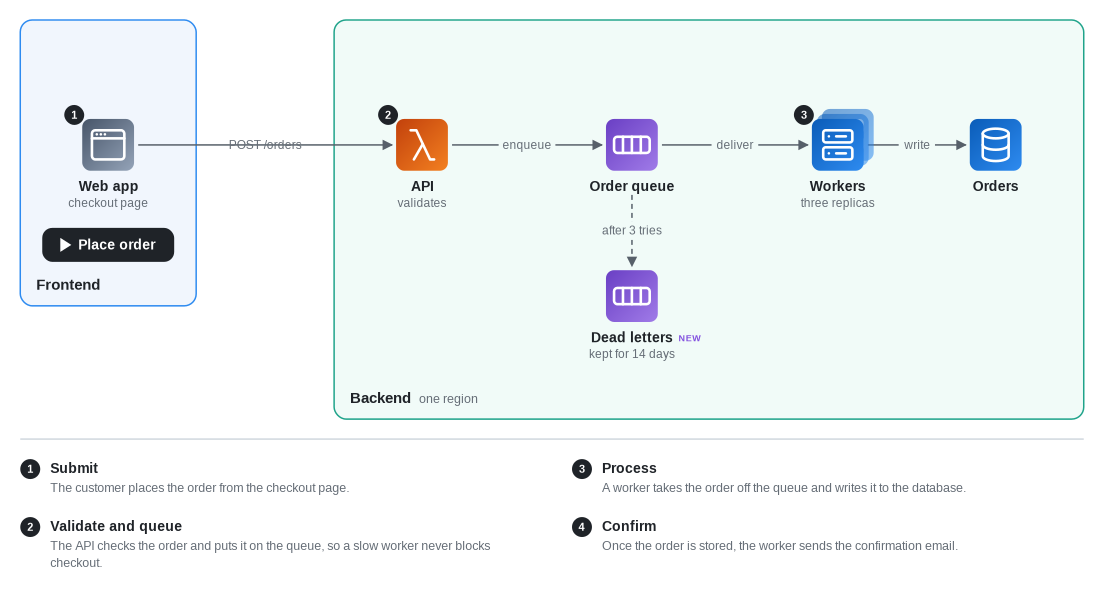
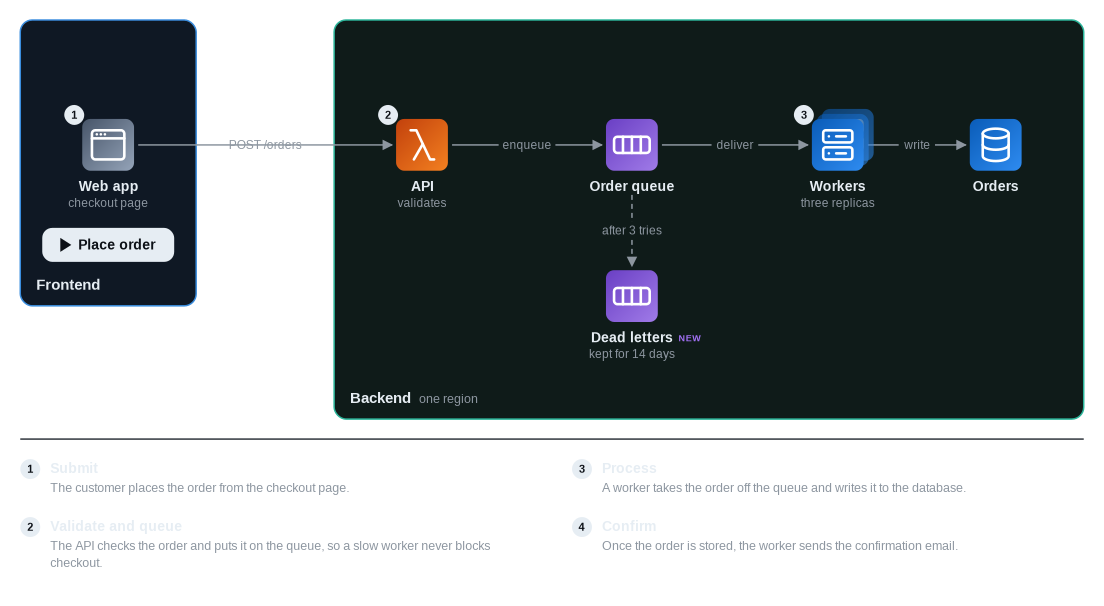
The order processing example, as diagr build writes it.
- Static first. The SVGs are laid out on a grid, automatically or with the cells you pin, with rounded orthogonal edges, label pills and tinted groups. Icons are inlined and colours are baked in, so they work in READMEs, docs and slides.
- Interactive on top. The HTML page has a scenario player: Run, play and pause, step forward and back, scrub, speed, keyboard shortcuts. A diagram can have several scenarios, each with its own trigger button. The state at each step is computed from the step number, so stepping back and scrubbing show exactly what playing would.
- One HTML file. Inline SVG, CSS and JavaScript. No CDN, no framework, nothing to load at runtime.
- Domain-neutral. Nothing in the format assumes pipelines or a vendor. Vendor icons go in an icon folder next to the diagram.
Quick start
uv sync
uv run diagr build examples/order-flow/diagram.yml --svg --html -o dist
This writes dist/order-flow-light.svg, dist/order-flow-dark.svg and dist/order-flow.html. Ask only for
what you need: --light and --dark are the static SVGs, --svg both, and --html the page with the player.
See the examples for rendered diagrams with their source, and the format reference for everything a diagram file can say.
CLI
| Command | What it does |
|---|---|
diagr init [FILE] |
Write a starter diagram (default diagram.yml); never overwrites |
diagr build FILE... [--light] [--dark] [--svg] [--html] [-o DIR] [--theme T] [--debug] [--background] |
Write the files you ask for, at least one, for each diagram and each of its views: --light and --dark the static SVGs, --svg both, --html the page with the player; --debug adds the grid and route overlay to the page (G toggles it); the SVGs have no background, so they sit on a page of any colour, and --background paints the theme's behind them |
diagr watch FILE... [--light] [--dark] [--svg] [--html] [-o DIR] [--theme T] [--interval S] [--debug] [--background] [--serve] [--port P] |
Rebuild the files you ask for, as build does, when the diagram, its icon folders or its theme file change; --serve also serves the output at http://127.0.0.1:8001/, and open pages reload on each rebuild, keeping the scenario, step, zoom and scroll position |
diagr fmt FILE... [--check] |
Line up nodes and edges into columns, in place; --check fails if a file would change |
diagr expand FILE [-o OUT] |
Print the diagram with its components expanded into plain groups, nodes and edges; the output is a valid diagram that builds to the same files |
diagr check FILE... [--theme T] [--strict] [--format json] |
Validate; problems are printed as file:line:col, or as JSON on stdout |
diagr icons [FILE] |
List the core icons, plus the icon folders of FILE if given |
diagr schema [-o FILE] |
Print the JSON Schema (schema/diagr.schema.json) |
diagr --version |
Print the installed version |
--theme on the command line is resolved against the current folder; theme: in a diagram against the diagram's
folder.
Player keys
The keys work once the diagram or the player has focus: click the diagram, or Tab to it. The rest of the page keeps its keys, so Space and the arrows still scroll it.
Space plays or pauses. Left and Right go to the previous or next step; with Shift they move one frame. Home resets, End jumps to the end. Clicking a step in the list jumps to it. With several scenarios, the buttons above the progress bar switch between them.
Ctrl or Cmd with the scroll wheel, or a pinch, zooms the diagram around the pointer; drag to pan once zoomed in. + and - zoom, 0 fits it back, F shows the diagram and its controls full screen, and the buttons under the diagram do the same.
C or the half-filled circle in the toolbar under the diagram switches to high contrast: the colours and line
widths of the contrast theme, in light or dark. The page remembers the choice, like the light or dark one.